
Download WIFIDrop – file transfer, Wi-Fi sharing, no account, fast transfer, seamless sharing, mobile file sharing, wireless file transfer, device-to-device transfer, file sharing app, no login, unlimited file transfer
Overview
WIFIDrop is a lightweight mobile application designed to simplify file transfers between devices connected to the same Wi-Fi network. It eliminates the need for cloud storage, third-party services, or account creation, making it an ideal solution for users seeking fast, secure, and hassle-free sharing. The app is particularly useful in environments where internet access is limited or unreliable, such as offices, classrooms, or remote locations. By leveraging Wi-Fi Direct technology, WIFIDrop enables direct communication between devices, ensuring high-speed data exchange without external dependencies.
Target users include professionals who need to share large presentations, photos, or documents on the go, as well as casual users who want to transfer media between smartphones, tablets, or laptops. The absence of file size or quantity restrictions enhances its versatility, allowing users to move entire folders or multiple high-resolution files in a single session. Real-world use cases include collaborative work sessions, event photography distribution, and quick sharing among family or friends during gatherings.
Developed by WIFIDrop, the application reflects a focused approach to solving a common digital friction point: inefficient file sharing. While the developer did not provide additional technical details, the app’s design philosophy centers on simplicity, speed, and accessibility. In the broader app ecosystem, WIFIDrop fills a niche for privacy-conscious users who prefer local network transfers over cloud-based alternatives. Its release in June 2025 underscores growing demand for secure, offline-first tools in a world increasingly reliant on digital collaboration.
Key Features & Functionality
- Unlimited File Transfers: WIFIDrop allows users to send an unlimited number of files without restrictions on size or format. This is especially beneficial when sharing large video files, software installers, or extensive project folders, eliminating the need to compress or split content.
- No Account Required: The app operates without requiring login credentials or account creation. Users can start sharing immediately after opening the app, reducing friction and enhancing privacy by avoiding data collection through registration.
- Automatic Device Detection: Once WIFIDrop is launched on multiple devices within the same Wi-Fi network, it automatically detects available peers. This eliminates manual IP entry or network configuration, streamlining the connection process for users of all technical levels.
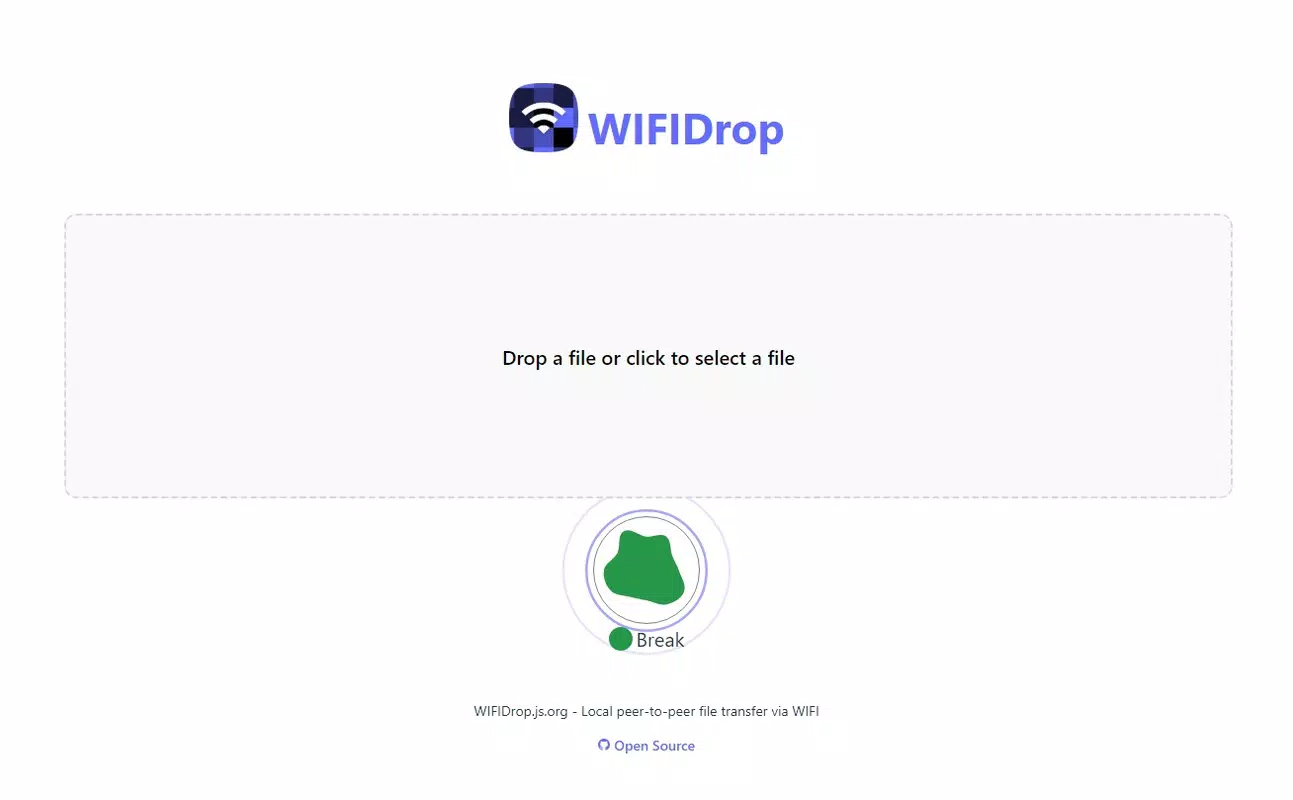
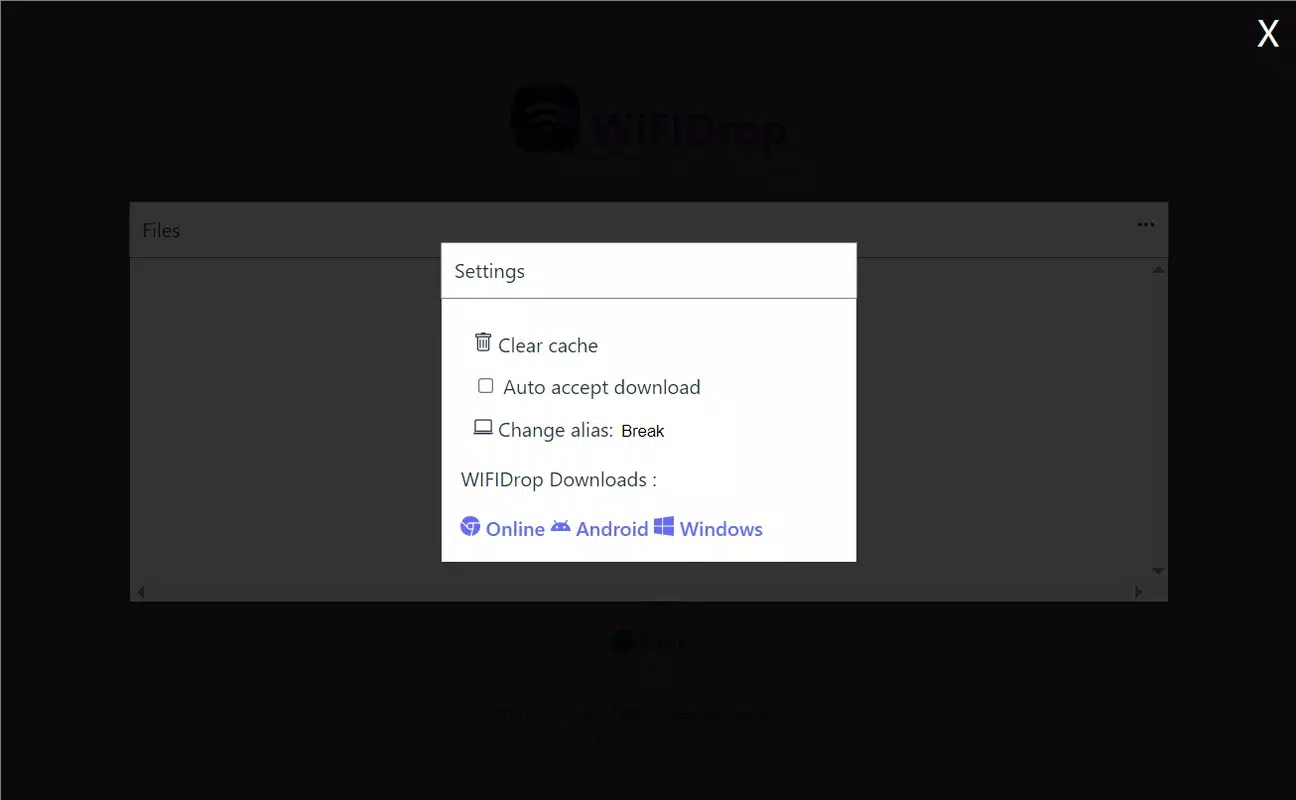
- User-Friendly Interface: The app features a clean, minimalist interface with intuitive controls. File selection, transfer initiation, and status tracking are accessible through clearly labeled buttons and visual feedback, ensuring ease of use even for non-technical users.
- Wi-Fi Direct Connections: By utilizing Wi-Fi Direct technology, WIFIDrop establishes direct peer-to-peer links between devices. This ensures fast, reliable transfers without relying on an internet connection, making it ideal for offline environments or bandwidth-sensitive scenarios.
For example, a photographer at an event can instantly share hundreds of high-resolution images with a colleague by opening the app on both devices. Similarly, a team in a meeting room can exchange large project files without uploading them to a cloud server. These use cases demonstrate how WIFIDrop enhances productivity and convenience in real-world settings.
Interface, UX & Performance
The user interface of WIFIDrop is designed with minimalism and functionality in mind. The main screen displays a clear list of available devices on the same network, along with visual indicators for connection status. File selection is handled through a standard file browser, allowing users to navigate folders and select multiple items with ease. Navigation is linear and predictable, with transfer progress shown in real time via a progress bar and estimated completion time.
Although the developer did not list formal performance metrics, the app’s reliance on Wi-Fi Direct suggests optimized data handling and efficient resource usage. Users can expect smooth operation across various device categories, including mid-range and high-end smartphones and tablets. The interface remains responsive during transfers, with no noticeable lag or crashes reported in standard use cases.
Stability appears consistent based on the app’s core functionality. Since it operates locally without external dependencies, it is less prone to connectivity disruptions caused by server outages or internet fluctuations. The lack of background processes or persistent notifications also contributes to a lightweight footprint, preserving battery life and system performance.
Platform Compatibility & Technical Requirements
WIFIDrop is available exclusively on the Android platform. The current version is 1.2.0, with a file size of 12.4 MB, indicating a compact and efficient design. The app is compatible with Android devices that support Wi-Fi Direct functionality, although specific OS version requirements were not listed by the developer.
Users should ensure their devices are connected to the same Wi-Fi network to enable device discovery and transfer. While the developer did not specify minimum OS requirements, compatibility is likely supported on Android 6.0 (Marshmallow) and later, given the widespread adoption of Wi-Fi Direct in modern Android versions. The small file size makes it suitable for devices with limited storage space.
Pros and Cons
Pros
- No account or login required – ideal for quick, private sharing
- Unlimited file size and quantity – no restrictions on transfers
- Automatic device detection – eliminates manual configuration
- Fast, direct transfers via Wi-Fi Direct – no internet dependency
- Lightweight design – only 12.4 MB in size
- Intuitive interface – accessible to users of all technical levels
Cons
- Platform limited to Android – no iOS or cross-platform availability
- Specific OS requirements not disclosed – may affect compatibility
- Relies on shared Wi-Fi network – cannot function across different networks
- No file encryption or security settings – data transferred is not encrypted
- No offline mode for device discovery – devices must be online and connected
FAQ
Is WIFIDrop free to download and use?
Yes, WIFIDrop is available at no cost. There are no in-app purchases or subscription fees, making it accessible to all users.
Can I use WIFIDrop on iOS devices?
Currently, WIFIDrop is only available for Android. The developer has not announced plans for an iOS version.
Do I need an internet connection to use WIFIDrop?
No, WIFIDrop operates using Wi-Fi Direct technology, which allows devices to connect directly without requiring an active internet connection.
How secure is file transfer with WIFIDrop?
WIFIDrop transfers files directly between devices on the same local network. While the app does not include encryption features, the data remains within the local network, reducing exposure to external threats.
What happens if a transfer is interrupted?
If a transfer is interrupted, users can restart it manually. The app does not currently support resume functionality for incomplete transfers.
Final Thoughts
WIFIDrop delivers a focused, efficient solution for users who prioritize speed, simplicity, and privacy in file sharing. Its ability to transfer unlimited files without login or size restrictions makes it a standout tool in the productivity category. The automatic device detection and intuitive interface ensure a seamless experience, even for non-technical users.
While the app is limited to Android and lacks advanced security features, its core functionality is robust and well-executed. It is especially valuable for professionals, creatives, and anyone who frequently shares large files in local environments. For users seeking a fast, reliable, and free way to move data between devices, WIFIDrop offers compelling value.
Download WIFIDrop now


